The Ultimate Guide: How to Login to Your DU SOL Student Account Quickly and Easily
Let’s be honest—navigating university portals can sometimes feel like trying to solve a puzzle. If you are enrolled in the Delhi University School of Open Learning (DU SOL), your student dashboard is the central hub for everything related to your academic journey. From downloading study materials and fee receipts to checking your exam results, it all happens right there.
But if you are feeling a little lost on how to actually access it, you are in the right place. In this comprehensive guide, we will walk you through the exact steps to log into your DU SOL student account, troubleshoot common login issues, and help you understand exactly what your dashboard can do for you.
Grab your ID card, and let’s dive in!
What You Need Before You Start (The Prerequisites)
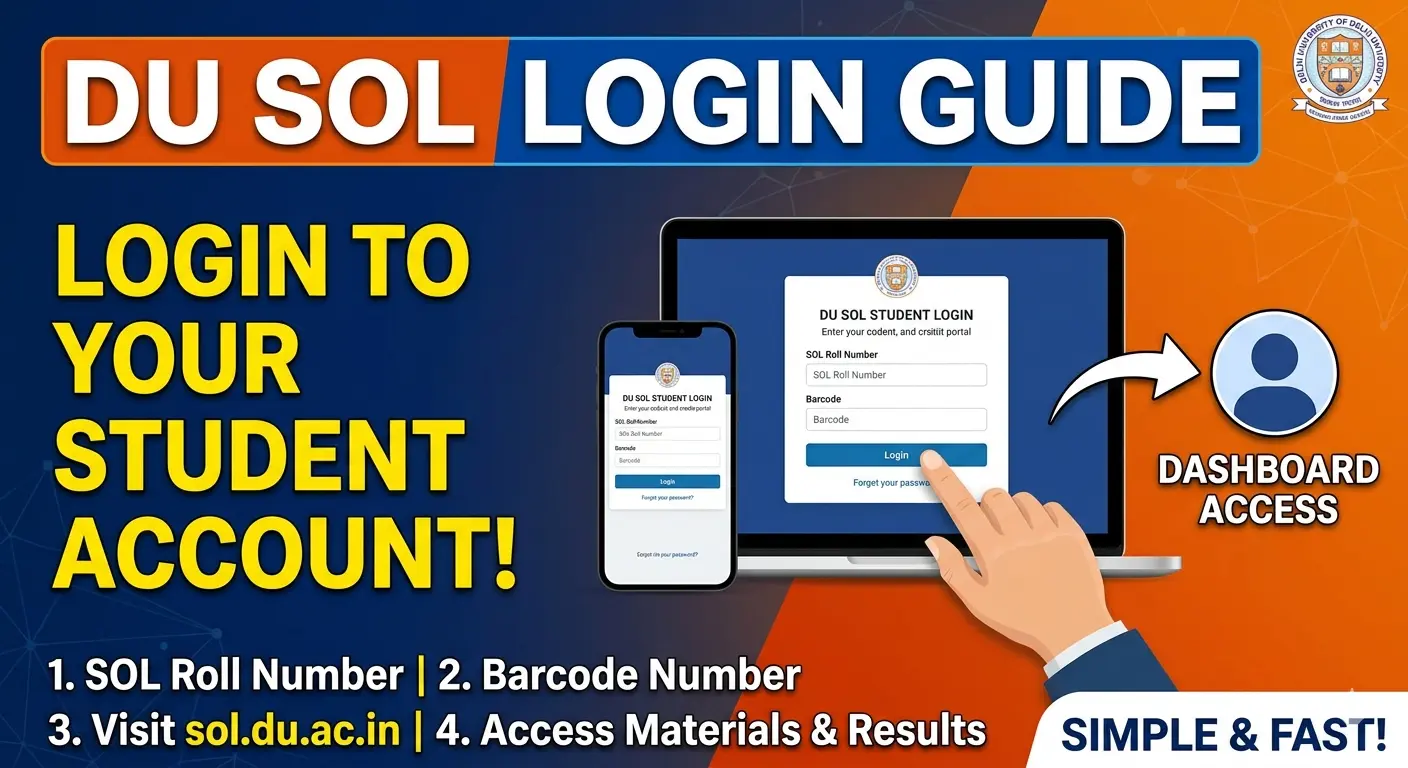
Before you head over to the login page, you need to make sure you have the right credentials on hand. DU SOL does not use a standard username and password for existing students. Instead, you need two specific pieces of information:
- Your SOL Roll Number: This is your unique student identifier. It usually follows a specific format (e.g., 23-1-00-XXXXXX).
- Your Barcode Number: This is a crucial security credential provided by the university.
Where to find them: Both your SOL Roll Number and Barcode are printed clearly on your DU SOL ID Card and your official Fee Receipt generated at the time of your admission.
Step-by-Step Guide to the DU SOL Login Process
Once you have your Roll Number and Barcode ready, logging in takes less than a minute. Follow these simple steps:
Visit the Official DU SOL Website
Always ensure you are visiting the official university portal to protect your personal information. Head over to the main website: sol.du.ac.in.
Navigate to the Student Login Portal
On the homepage, look at the top navigation menu. You will see a clear option labeled “Student Login”. Click on it.
Enter Your Credentials Carefully
You will be directed to a clean login screen with two text boxes.
- In the first box, type your SOL Roll Number. Make sure to include the hyphens exactly as they appear on your ID card.
- In the second box, type your Barcode.
Access Your Dashboard
Hit the Login button. Congratulations! You are now inside your personalized DU SOL student dashboard.
What Can You Do Inside the Student Dashboard?
Logging in is just the first step. Your dashboard is packed with features designed to make distance learning as smooth as possible. Here is a breakdown of what you can access:
- Download ID Cards and Fee Receipts: Misplaced your physical copies? No problem. You can download digital PDF versions at any time.
- Access Study Material: DU SOL provides comprehensive digital study materials for all subjects. You can download them directly from your dashboard to study on the go.
- Check Exam Dates and Results: Stay updated on your academic calendar. When results are declared, this is where you will find your mark sheets.
- Profile Management: Update your contact details, email address, and mobile number to ensure you never miss an SMS update from the university.
- Submission of Assignments: For courses that require internal assessments or assignments, the dashboard often hosts the secure upload links.
Troubleshooting: Common DU SOL Login Issues
Technology isn’t always perfect. If you are having trouble logging in, don’t panic. Here are the most common issues students face and how to fix them quickly:
“Invalid Roll Number or Barcode”
This is the most frequent error. It almost always comes down to a simple typo.
- The Fix: Double-check your entry. Ensure you haven’t added any accidental spaces before or after the numbers. Verify that you are including the dashes in your roll number (e.g., 22-1…).
I Lost My Barcode! What Do I Do?
It happens to the best of us! If you have lost your ID card and fee receipt, you won’t be able to log in.
- The Fix: You will need to visit the DU SOL campus (North or South regional center, depending on your jurisdiction) in person with a valid government ID (like your Aadhar Card) to request a retrieval of your barcode. Currently, there is no online “forgot barcode” feature for security reasons.
The Website is Crashing or Loading Slowly
During peak times—like the day exam results are announced or right before assignment deadlines—the DU SOL servers experience heavy traffic.
- The Fix: Try clearing your browser cache, or simply wait an hour and try again during off-peak times (like early morning or late at night).
New Applicants vs. Existing Students: Understanding the Difference
Are you a prospective student trying to secure admission? The login process we just described won’t work for you yet!
The Student Login portal is strictly for already admitted students who have generated an ID card. If you are applying for a new session, you need the Admission Portal:
- Go to the DU SOL homepage and click on the UG or PG Admission link.
- Click on New Registration.
- Fill out your basic details (Name, Email, Mobile Number).
- You will create a unique password.
- Use your registered Email/Mobile and this new password to log in and track your application status until you officially receive your SOL Roll Number and Barcode.
Frequently Asked Questions (FAQs)
Q: Can I change my DU SOL login barcode?
A: No, your barcode is system-generated and permanently assigned to you for the duration of your course. It acts as a secure, unchangeable password.
Q: Is there a mobile app for the DU SOL login?
A: While DU SOL occasionally updates its digital infrastructure, the most reliable way to access your dashboard is through a standard web browser (like Chrome or Safari) on your smartphone or computer. The website is highly mobile-responsive.
Q: How often should I check my student dashboard?
A: It is highly recommended to log in at least once a week. The university frequently updates the notice board inside the dashboard with vital information regarding PCP (Personal Contact Programme) classes, exam form deadlines, and syllabus updates.